Free · Available on WordPress.org
OfferPact Checkout Free
Free No paid activation
Take one-time payments, match checkout to your site and configure checkout reminders.
Get Free Plugin
OfferPact Checkout · Official product website · IVIA CODE
Accept Stripe and PayPal payments on WordPress without WooCommerce. Start with Free for one-time payments and checkout reminders, or add Pro for recurring plans and post-purchase tools.
Quick Start video · OfferPact Checkout Free
Install OfferPact Checkout, connect Stripe or PayPal, and create your first payment button in just two minutes.
Choose your next step
Free is a complete one-time payment plugin. Add Pro when you need recurring plans, post-purchase journeys and Sticky Bars. Neither requires WooCommerce.
Free · Available on WordPress.org
Free No paid activation
Take one-time payments, match checkout to your site and configure checkout reminders.
Get Free PluginPro · Available now
$99/year · 2 websites
Add monthly and yearly plans, FlowNudge email journeys and Sticky Bars that open checkout.
Explore OfferPact ProBilled annually. Renews automatically until canceled.
| Capability | Free | Free + Pro |
|---|---|---|
| One-time Stripe and PayPal payments | Included | Included with the Free core |
| Checkout appearance and email capture | Included | Included with the Free core |
| Reminders for supported one-time checkouts | Included; configure before use | Same Free core reminders |
| Monthly and yearly subscriptions | Not included | Included in Pro |
| Post-purchase email journeys | Not included | FlowNudge |
| Sticky Bars that open checkout | Not included | Included in Pro |
Pro 1.0.4 runs alongside Free 1.0.4. Checkout reminders cover supported one-time purchases; subscription checkout recovery is not included. Promotional email journeys require marketing opt-in. Standard Stripe and PayPal processing fees apply.
Free 1.0.4 is available from the official WordPress.org Plugin Directory. It accepts fixed-price, one-time payments through your own Stripe or PayPal account, without an IVIA CODE account or paid activation.
Free does not include subscriptions, FlowNudge, Sticky Bars, automatic file delivery, coupons, order bumps or one-click upsells. Provider processing fees apply. Wallet availability depends on the provider account and device.
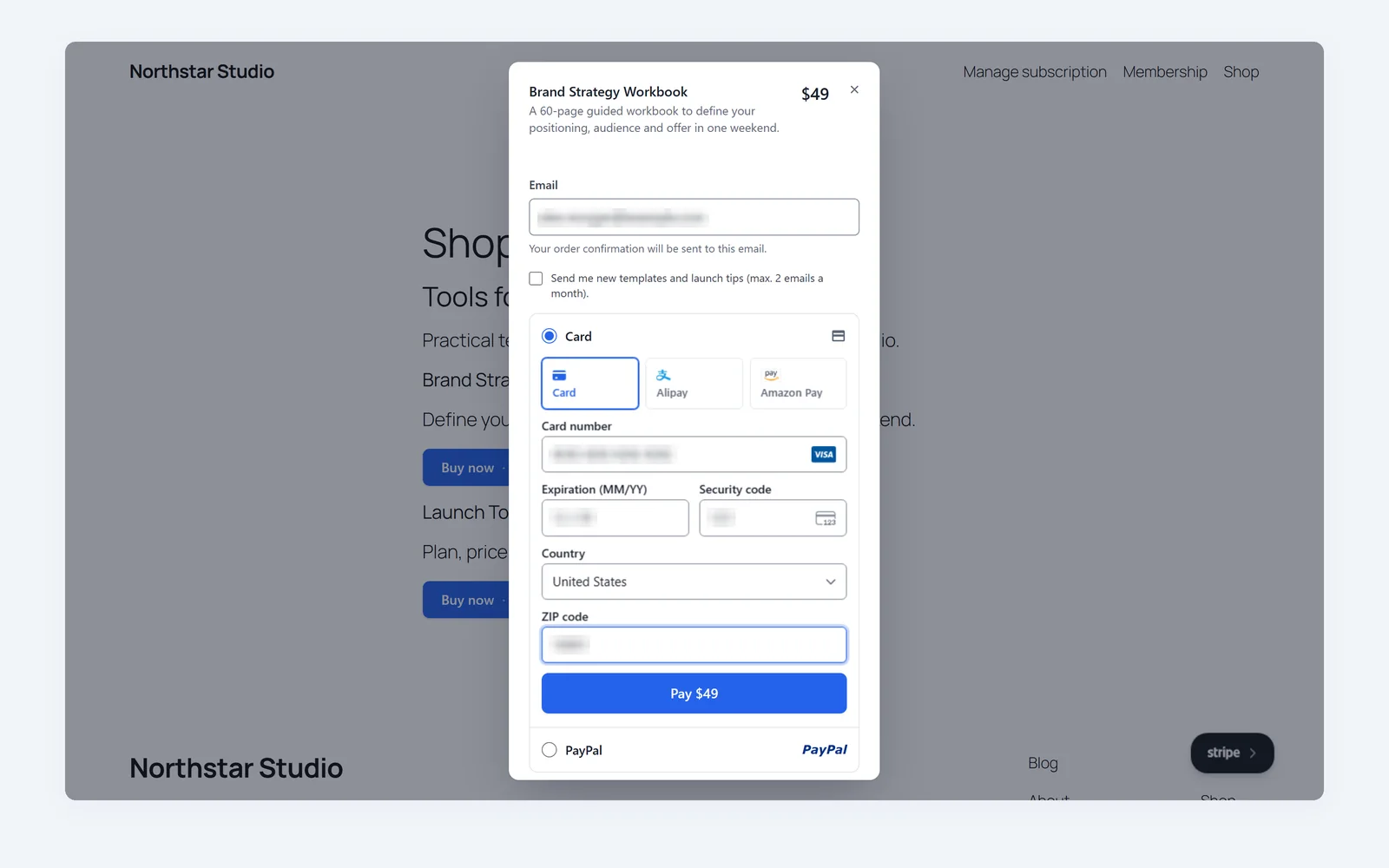
Look for “OfferPact Checkout – Payments via Stripe & PayPal.” Requires a WordPress site that supports installing plugins. You can also download its ZIP from WordPress.org; no email registration is required there.
Quick Start · Free and Pro FAQ · Cron and email troubleshooting · Security and privacy · Product support
IVIA CODE newsletter
Get practical checkout tips, conversion ideas, and updates on tools that help WordPress businesses sell more effectively.